Know the speed, the noise and the outlets before you carry your laptop there.
"Great WiFi" in a review can mean anything. BorderBudget shows cafes and coworking spots that travelers actually tested while sitting there: a real speed test, a noise reading and an outlet count, turned into a simple grade on the map.
A short video on how work spots are rated. It loads from YouTube only when you press play.
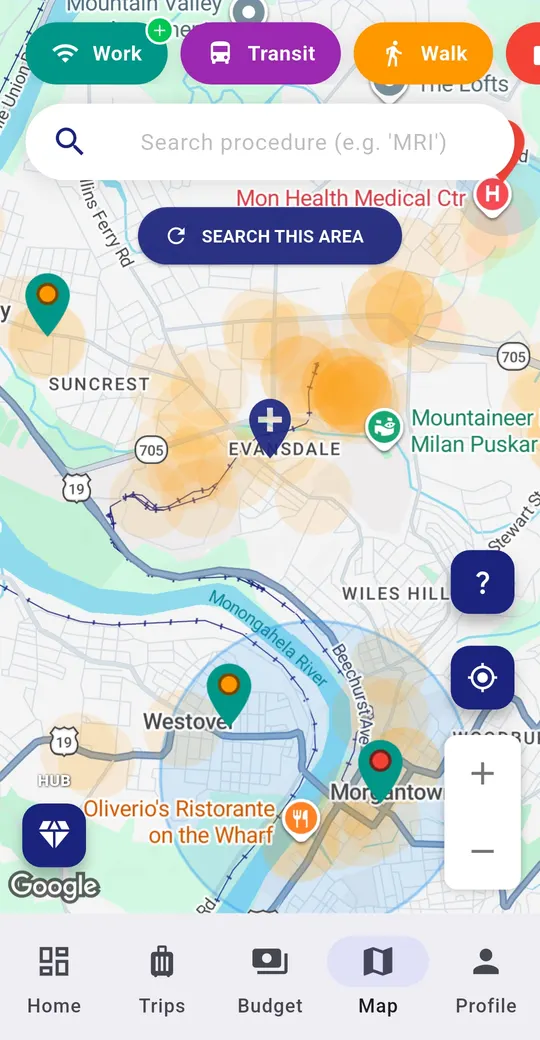
Outlets then adjust the grade: plenty of outlets raise it by one step, and none lower it by one. The grade shows as a color on the map pin, so you can scan a neighborhood at a glance.
Stand in the spot, open the map, and run the test from the app. You have to be within about 30 meters of the place, so every reading comes from someone who was there. If another traveler already tested the same place, your reading is added to the same pin rather than creating a duplicate. Contributing earns rewards points in the app.
A rating is one traveler's measurement on one day. WiFi speed and noise change with the time of day and how busy the place is, and places can change or close. Travelers can report a spot as closed. BorderBudget has not verified every reading.
Get BorderBudget on Google Play Get BorderBudget on the App StoreHow are work-friendly spots rated?
Travelers submit a measured WiFi speed, an ambient noise level and how many outlets there are. The spot is graded A, B or C from those readings, and the pin on the map shows the grade.
What do the grades mean?
A is fast WiFi (20 Mbps or more) in a quiet place (60 dB or less). B is decent WiFi (10 Mbps or more) with moderate noise (70 dB or less). Anything else is a C. Plenty of outlets raises a spot by one grade, and no outlets lowers it by one.
Can I rate a place from my couch?
No. To add a test you have to be at the spot, within about 30 meters of it, so every reading comes from someone who was actually there.
Is it free?
Yes. Viewing work spots and adding your own tests are free for everyone in the BorderBudget app.
Are the ratings guaranteed?
No. Speed and noise change with the time of day and how busy the place is. Each rating is a traveler's measurement on a given day, so treat it as a guide.
Questions about BorderBudget? Reach us at developer@borderbudget.com, or check the full FAQ.